
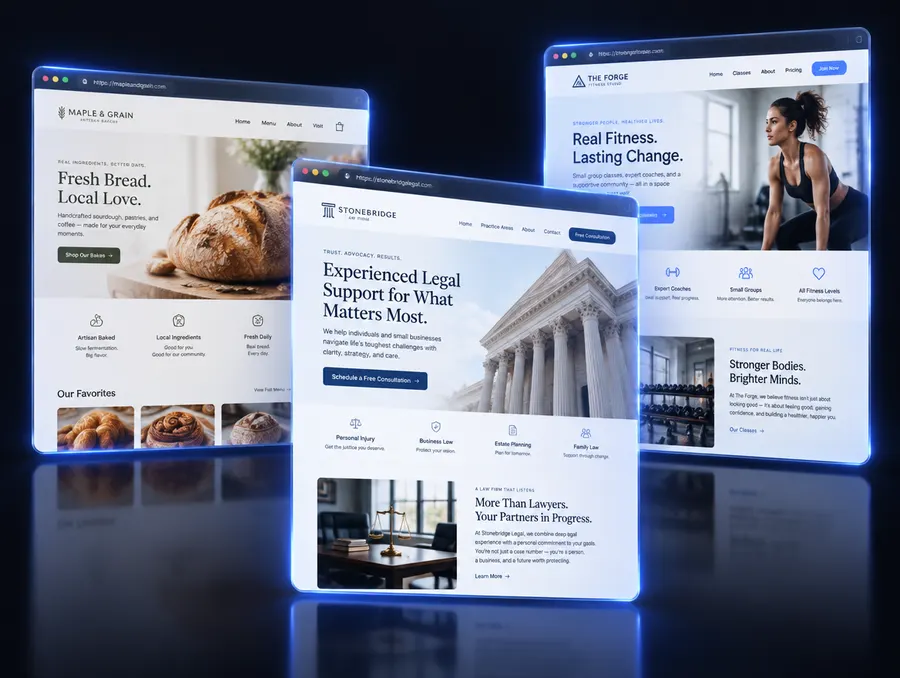
Your homepage has one job: help the right visitor take the next step, whether that's calling, booking or asking for a quote. Most small business sites bury that step under menus, sliders and walls of text.
Here are the sections that matter, in the order people read them.
1. A headline that says what you do and for whom
"Welcome to our website" wastes your most valuable space. Say what you do, where, and why it matters: "Same-week roof repairs in Dallas." Add one supporting sentence and a clear button.
2. One primary button, repeated
Pick the single action you want most, such as "Get a free quote" or "Book a visit", and use the same button at the top, in the middle and at the bottom of the page. Visitors shouldn't have to hunt for it.
3. Your services, in plain words
List your main services with one or two sentences each. Use the words your customers use, not industry jargon.
4. Reasons to choose you, based on real facts
Years in business, licences, warranties, specialties, service area. Only include what's true and specific. Vague claims like "best quality" don't persuade anyone.
5. How it works
Three simple steps take the fear out of contacting you: for example, request a quote, get a visit, approve the work.
6. Answers to common questions
A short FAQ handles the questions that stop people from reaching out: pricing approach, timing, areas served, what happens first.
7. A contact form that actually reaches you
Short form, few fields, and every message goes straight to your inbox or phone. Test it yourself. Broken contact forms are one of the most common and most expensive website problems.
Make it work on phones first
Most local searches happen on a phone. Big buttons, short paragraphs, fast-loading images, and your phone number one tap away.
See yours
Type your current website on our free homepage preview and see a new homepage designed for your business in under a minute.